Automatic Antenna Positioner - Search Box i-HD
Search Box i-HD - High Definition Satellite Receiver
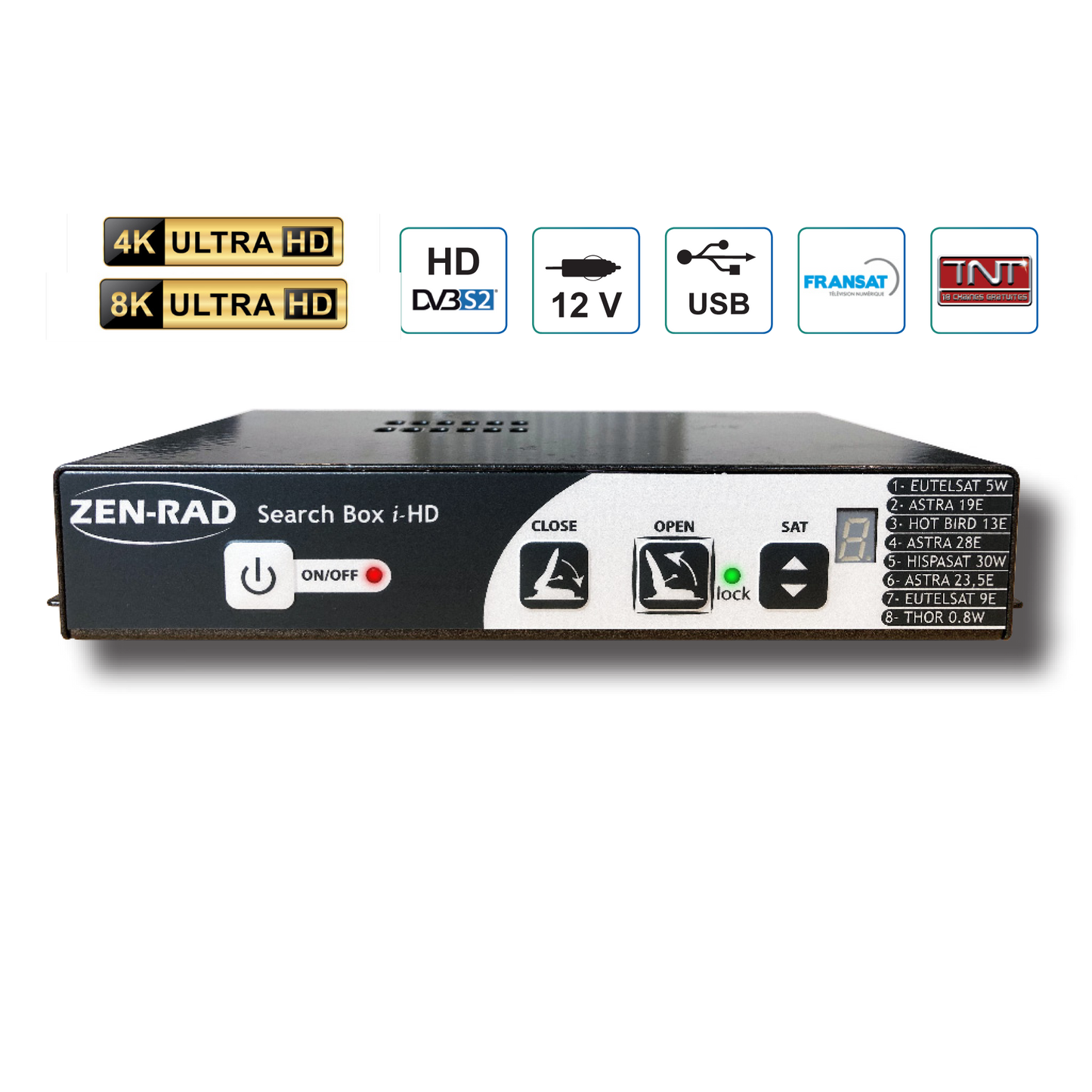
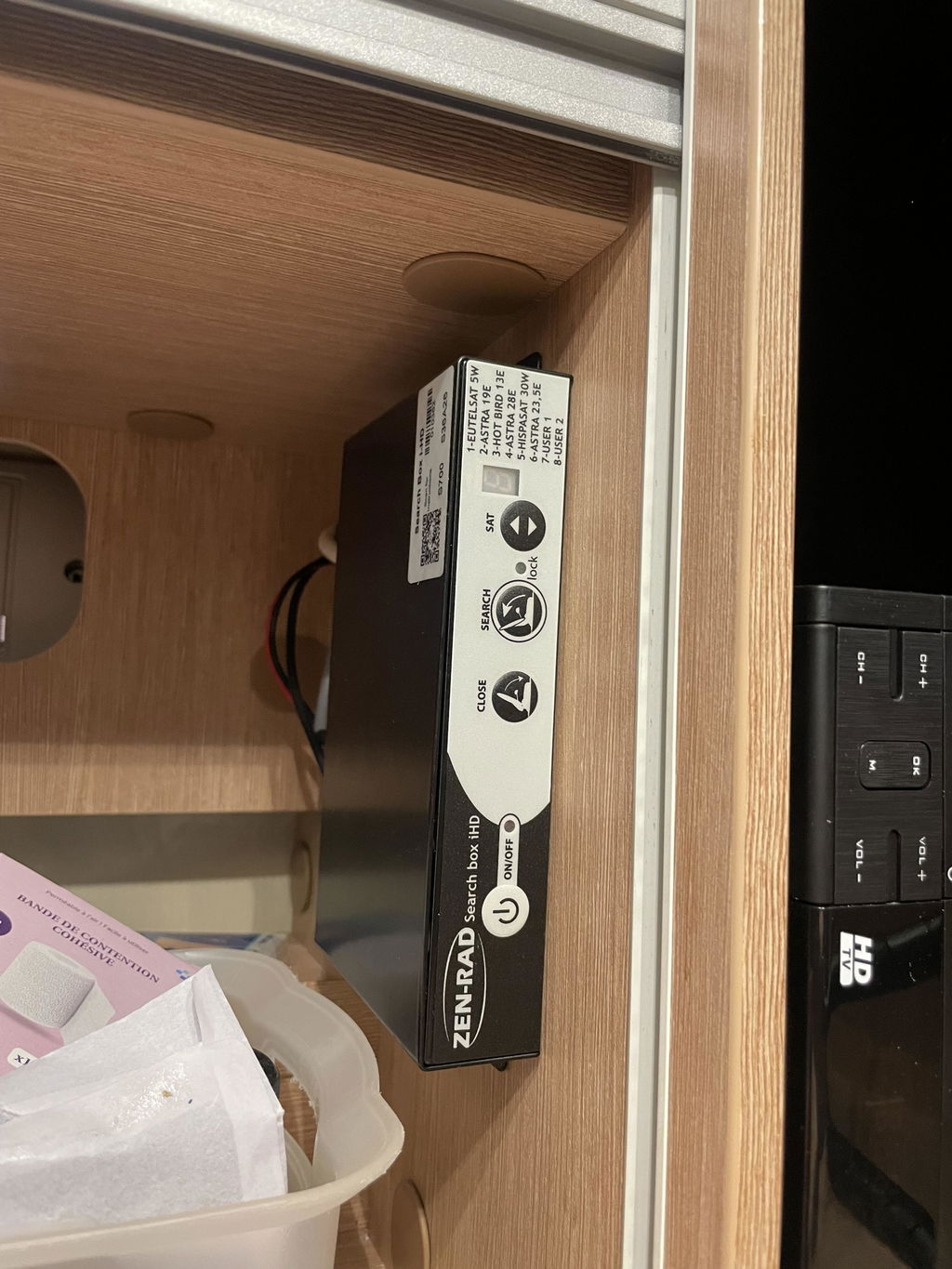
The i-HD Search Box is a compact and powerful high-definition satellite receiver, compatible with DVBS/S2 standards. It can search for up to 6 predefined satellites and 2 user satellites. Its robust design in metal housing ensures a long service life.
- Number of satellites: 6 predefined + 2 customizable
- Power supply: 11-14 V DC
- Consumption: 0 A in standby / 3 A in search
- Compatibility: DVBS/S2
- Connections: RJ45, mini-USB, RF input/output
- Additional features: 12V Bypass, D+ automatic safety or via terminal block
- Dimensions: 165 x 100 x 30 mm
- Weight: 530 g
- Material: Metal housing
Ideal for reliable and efficient satellite reception with low power consumption.
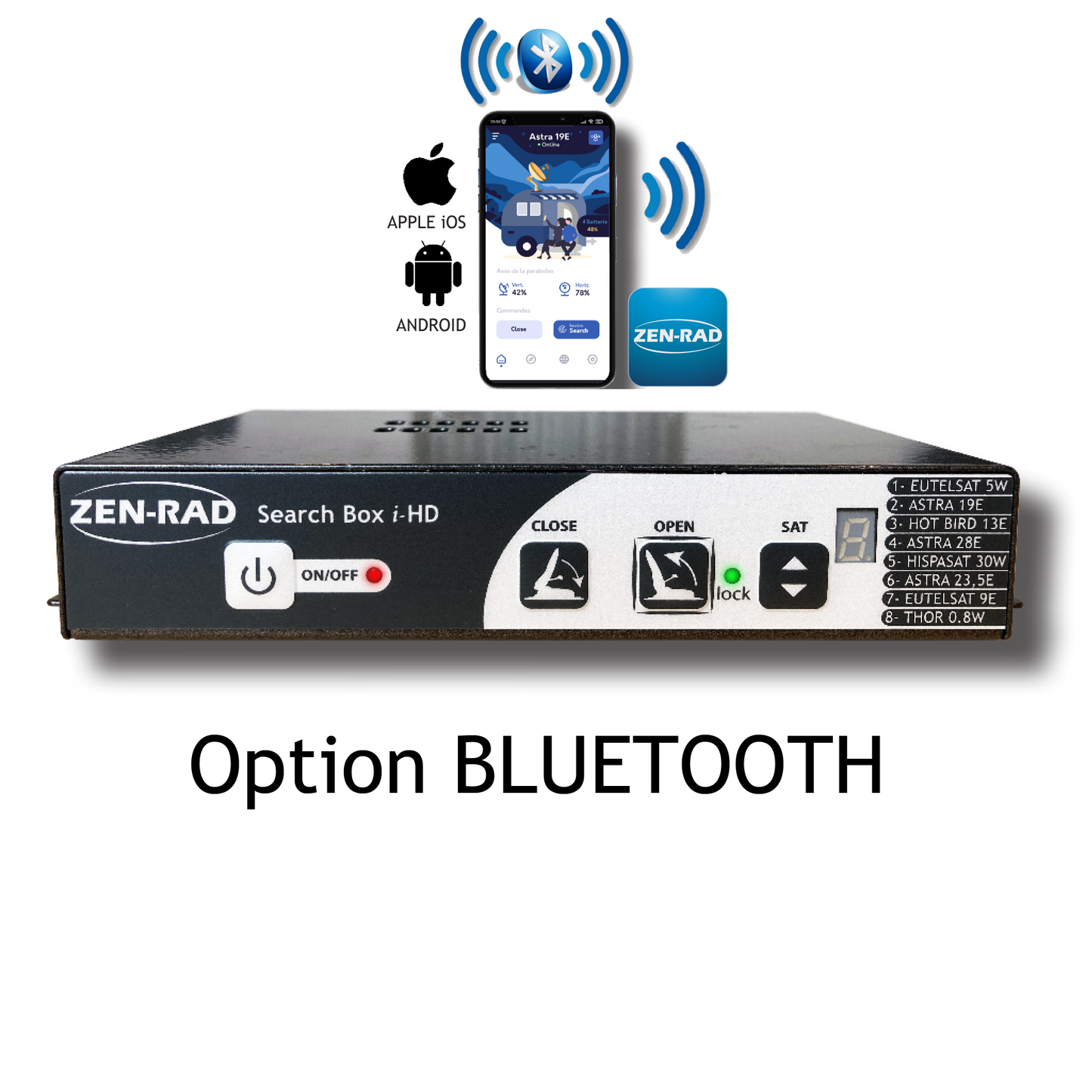
With the ZEN-RAD app, controlling your satellite antenna from your smartphone becomes child's play. Here is an overview of the innovative features offered:
- Satellite Selection: Easily choose the satellite that suits your needs directly from the app.
- Multilingual interface: Enjoy an application accessible in several languages for simplified use.
- Bluetooth Updates: Enjoy fast, wireless updates to keep your system always up to date.
- Satellite Information: Access essential details like satellite coverage and position to optimize your settings.
- Error detection and solutions: The application informs you of potential errors and offers solutions in real time.
Simplify the management of your antenna with ZEN-RAD and stay connected with ease.
*Option only available on S=1600 positioners
Couldn't load pickup availability
Share

Parfait merci
Everything is Fine.
Thank you
Tout va bien, merci beaucoup
Very helpful.
New box is working well
- Choosing a selection results in a full page refresh.
- Opens in a new window.
You have copied the placement for the Product Page.
Go back to the App Embeds section, and in the Paypal Advanced Settings, paste the copied value into the Product Page field and click the 'Save' button in the top right corner.